Smartphone Slowdowns:
What's Really
Going On?
The complete 2026 guide to understanding why your phone slows down during intense use and
what you can do about it.
Blog
Introduction
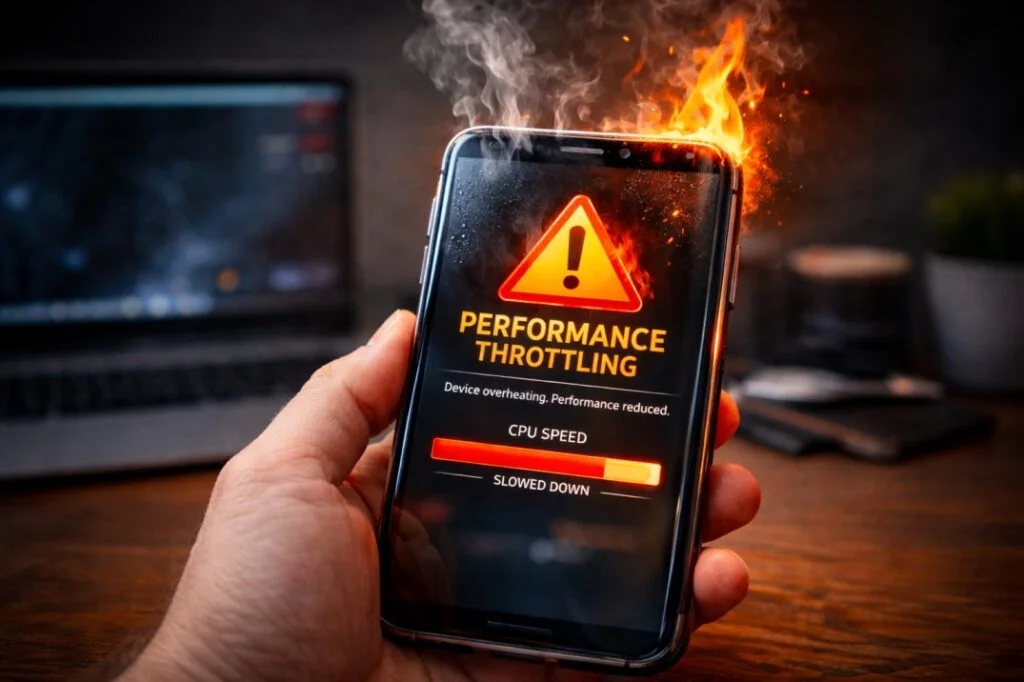
Smartphone throttling happens when a phone automatically reduces performance to prevent overheating during gaming, video recording, or other heavy tasks. While this process protects internal components, it can cause sudden frame drops, lag, and slower response times in real-world use.
Your first thought might be, My phone's dying! or This chip is a dud! Maybe even,I got ripped off!
But the truth is usually less dramatic. What you're probably experiencing is something called
performance throttling. It's a built-in safety mechanism that almost all modern smartphones use.
Think of it this way: throttling isn't a flaw; it's a feature. It's there to keep your phone from overheating, prevent your battery from draining too fast, and extend the life of your phone's processor.
In this article, we'll break down how throttling works, from the silicon inside your phone to what it means for how you actually use it. We'll look at the differences between how the CPU and GPU are affected, what the limits are, how cooling tech helps, how Android and iOS differ, what happens when you're gaming or using the camera, and bust some common myths.
1. Smartphone Throttling: What Is It?
Performance throttling is when your smartphone intentionally lowers the clock speeds of its CPU (the brain) and GPU (the graphics processor). This happens when things get too hot, the power draw gets too high, or the phone is working too hard.
Why Does Throttling Happen?
Smartphones are super powerful these days, but they're also crammed into a tiny space. This creates some unique problems.
No Fans: Unlike your computer, your phone doesn't have a fan to cool things down. It has to rely on spreading heat through its surfaces.
Small Size: Less space means less area to get rid of heat.
Battery Issues: Pushing a lot of power through a lithium-ion battery generates heat, which can damage it over time.
Powerful Chips: Chips like the Snapdragon 8 Gen 3, MediaTek Dimensity 9200+, and Apple A17 Pro can do a lot, but they also generate a lot of heat when they're pushed hard.
The bottom line: Throttling is about survival, not a failure. Every modern smartphone does it to some extent. The trick is how smoothly and well it's handled.
2. CPU vs. GPU: What's the Difference?
Throttling isn't a one-size-fits-all thing. The CPU and GPU are affected differently, and that changes how you experience it.
CPU Throttling
The CPU is responsible for:
- Running apps and doing calculations
- Handling background tasks and switching between apps
- Running the operating system
- Doing AI stuff (like image processing and voice recognition)
When the CPU throttles:
- The fastest cores slow down
- The less power-hungry cores take over some tasks
- Anything that uses multiple cores slows down
What you’ll notice: Apps take longer to open, switching between apps gets laggy, and the whole user experience feels a bit sluggish.
GPU Throttling
The GPU is responsible for:
- Game graphics
- Animations
- Video playback
- AR and VR
When the GPU throttles:
- The game’s frame rate drops
- Games start to stutter
- The graphics quality might be reduced to lighten the load
What you’ll notice: Most people spot GPU throttling first, even if the CPU is still doing okay.
3. Heat Limits and Power Use
Every chip in your phone has strict limits for how hot it can get and how much power it can use.
Heat Limits
- Phone surface: Around 40–45°C (104-113°F)
- Chip inside: Maxes out around 80–90°C (176-194°F)
Power Use
- Chips have a power budget, just like PCs
- Can burst high, but must reduce for sustained loads
Going over these limits could permanently damage the processor and battery. That's why benchmark scores can look great after a quick test, but actual gaming performance drops off over time.
The key thing to remember: phones are built for short bursts of performance, not for running full tilt for hours on end.
4. Why Even Expensive Phones Slow Down
There's a common idea that expensive phones don't slow down. Actually, they do. They just handle it in a more controlled way.
Flagship phones have faster processors that generate more heat
Their thin designs make it harder to get rid of heat
Advanced cooling systems can delay throttling, but they can't stop it forever
Gaming phones, which are usually thicker and have better cooling, can delay throttling, but eventually, they also hit the limit.
5. Cooling Tech: Keeping Things Cool
Cooling systems don't stop throttling completely, but they do help delay it.
Vapor Chambers
Spread heat over a larger area to delay throttling. They don't get rid of the heat, just move it around.
Graphite Sheets
Conduct heat well, reduce hot spots, and make the phone more comfortable to hold.
Copper Layers
Absorb and spread heat locally, working with vapor chambers to provide more gradual cooling.
6. Android vs. iOS: How They Handle Throttling
Neither approach is better. They just show different priorities.
Android
- Throttling controlled by phone maker
- Gaming modes can delay throttling
- Thin phones throttle more aggressively
iOS
- Strict thermal policies from Apple
- Consistent throttling behavior
- Prioritizes battery life and longevity
7. Real-World Examples: Gaming, Camera, and Video
Gaming
Playing games for a long time pushes the GPU hard, leading to frame rate drops after 15–30 minutes. High-refresh-rate screens make the phone heat up faster.
Camera and Video
Recording in 4K or 8K uses the CPU, GPU, and image signal processor (ISP) all at once. Long recordings will trigger throttling to protect the hardware.
Multitasking
Running a hotspot, using GPS, and recording video at the same time will cause throttling to kick in sooner. Phones aren't meant to handle that kind of constant stress.
8. Throttling Myths Busted
 Myth: Benchmarks show real-world performance
Truth: Benchmarks only measure performance for a short time, not during sustained use.
Myth: Updates slow down your phone
Truth: Updates often adjust thermal management, which might reduce peak performance but extends device life.
Myth: Only cheaper phones throttle
Truth: Every phone throttles. It’s just a matter of when and how much.
9. How to Reduce Throttling (Safely)
Do This
- Remove thick cases when gaming
- Don’t charge during heavy use
- Lower resolution and frame rates in games
- Keep screen brightness reasonable
- Avoid using phone in hot places
Don’t Do This
- Don’t disable thermal services
- Don’t use unproven cooling methods
- Don’t root to bypass limits
- Don’t try to overclock
10. Throttling in Different Brands
| Brand |
Approach |
| Samsung |
Focuses on keeping surface temperature comfortable |
| Apple |
Prioritizes battery life with predictable throttling |
| MediaTek |
Emphasizes power conservation in mid-range devices |
| Snapdragon |
Max burst performance with aggressive sustained throttling |
11. Advanced Technical Details
Dynamic Voltage and Frequency Scaling (DVFS)
Reduces voltage and clock speed dynamically. Lower voltage equals less heat equals slower speeds. This protects the battery and chip.
Thermal Sensors
Chips have sensors for CPU, GPU, battery, and surface temperatures. These sensors control throttling in real-time.
Chip Design
big.LITTLE CPU cores balance performance and efficiency. GPU cores throttle independently from CPU cores. ISPs manage camera tasks while respecting thermal limits.
12. Case Studies: 2026 Phones
Galaxy S24 Ultra
GPU throttles ~15% after 25 minutes of gaming at 120Hz
CPU shifts from fastest cores to efficient cores to manage heat
Vapor chamber spreads heat across the body
iPhone 17 Pro Max
Throttles a bit sooner for battery protection
Performance is consistent across longer gaming sessions
Metal frame helps get rid of heat
MediaTek Dimensity Phones
Good power conservation
Less peak performance than Snapdragon
Throttles later, but at lower sustained frame rates
FAQ
Quick Answers to Common Questions